

Shipping today

/video/remove is being upgraded today. Video jobs may run slower or drop out briefly while it rolls out. Image endpoints are not affected. The browser web app also goes live today.

Image + video creationBrowser tools · API automation

Make every visual ready to publish.

Remove backgrounds, restore portraits, create product shots, edit video, and export layered files. Start in the browser, then automate with one API when you need it.

30 images every month · no cardStart free →Try in browser
Live editing workbenchPOST /remove200 OK184ms
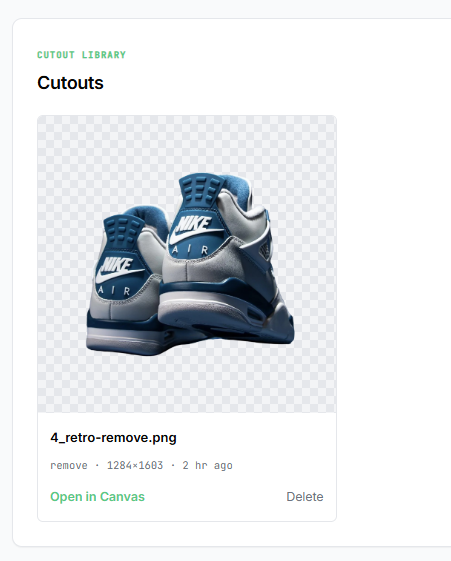
Transparent objects, not just outlines: after
Transparent objects, not just outlines: before
Drag to inspectBeforeCutout
Current capacity

The first request after idle can take a minute or more while the GPU starts, depending on the endpoint and image size. Warm requests finish in seconds. Always-on capacity is planned as usage grows.

POST/remove200184msPOST/upscale200412msPOST/remove200179msPOST/sticker200208msPOST/studio-shot200246msPOST/remove-batch2001.8sPOST/face-restore200358msPOST/remove200191msPOST/colorize200502msPOST/replace-bg200214msPOST/mask200178msPOST/video/remove2009.6sPOST/remove200187msPOST/inpaint200380msPOST/silhouette200210msPOST/headshot200328ms
28
documented endpoints
~200ms
warm background removal
$0.02
per processed image
30
free images every month

Real API outputs

Start with a photo. Ship the finished asset.

Background removal is the first step. Compose, restore, resize, and export the result without moving the file between services.

01 / CUTOUT QUALITY

Keep the hard parts of the image.

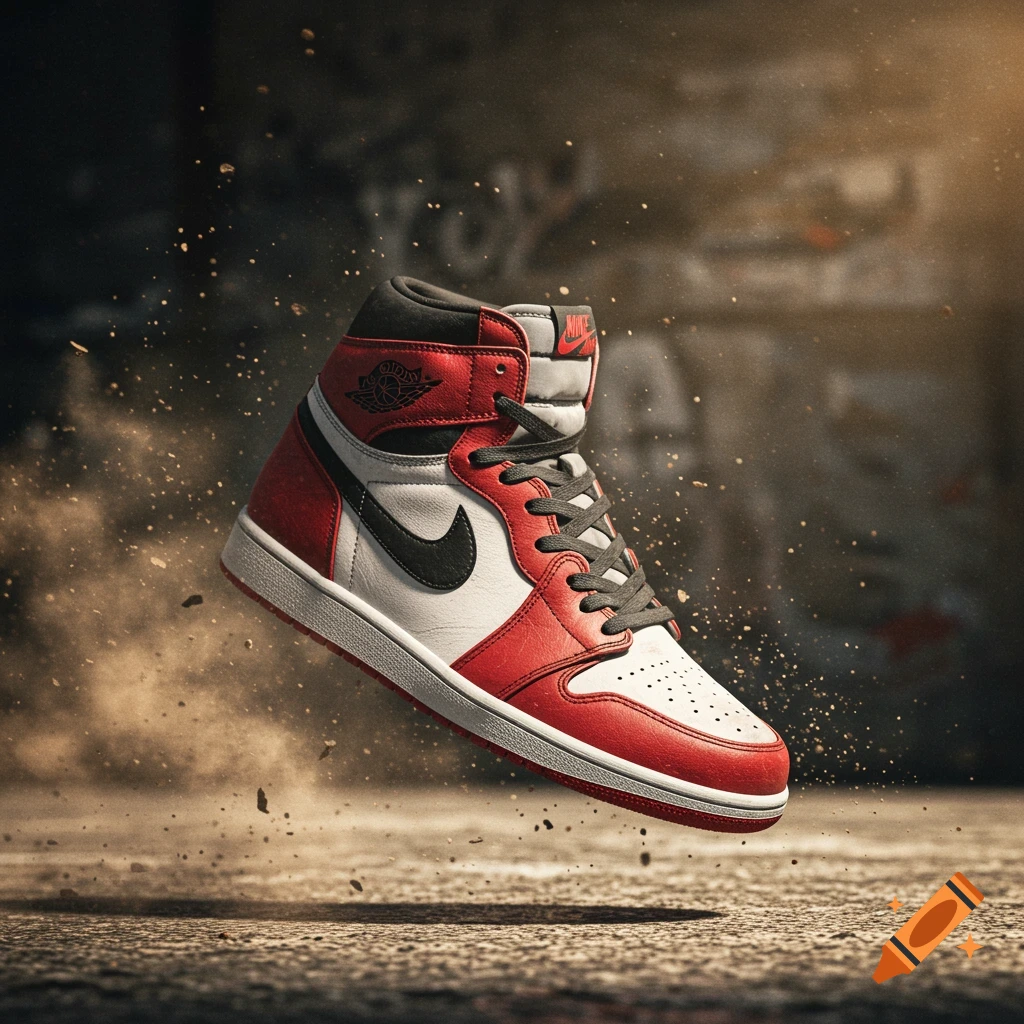
Hair, fur, glass, ice, and overlapping subjects need more than a hard outline. Preserve soft edges and real transparency in the returned file.

/remove/mask/remove-batch
Try a cutout in the playground →
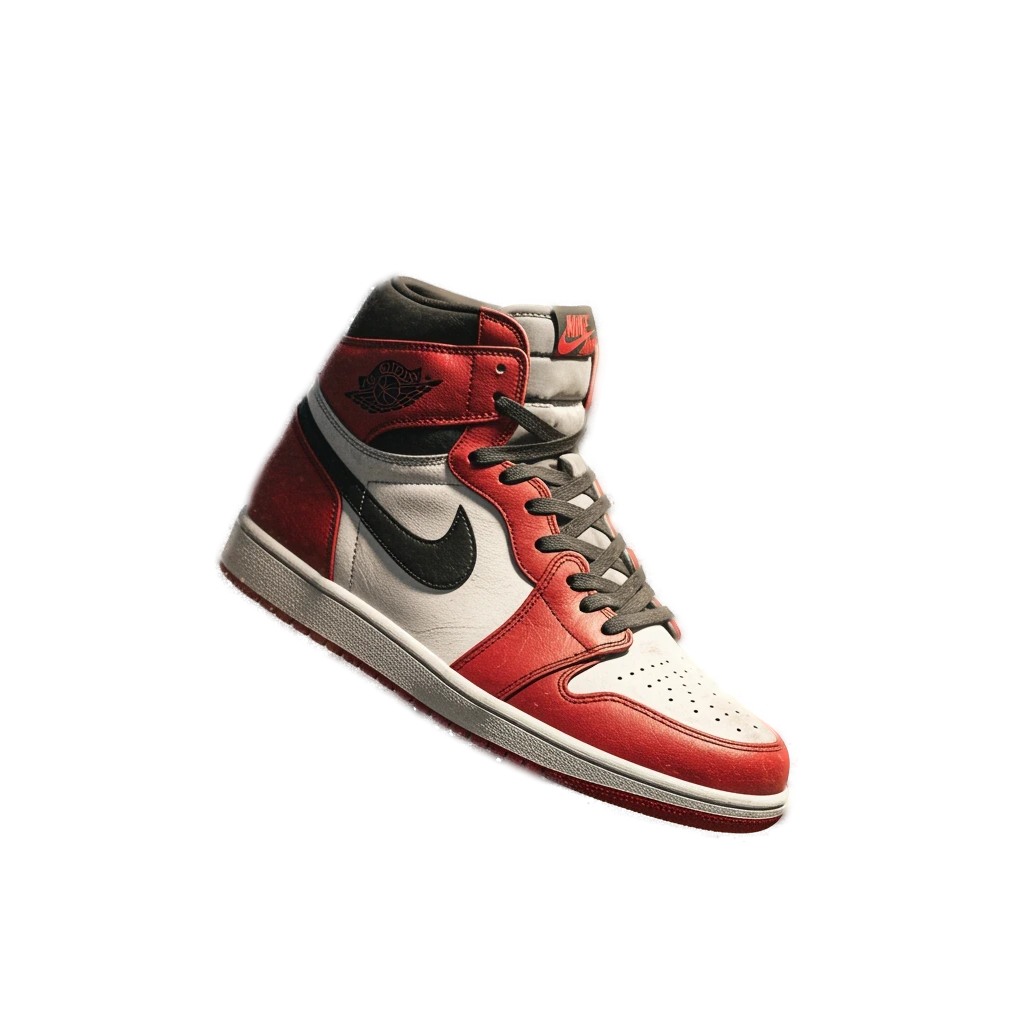
High-top shoe isolated as a transparent PNG
High-top shoe in its original scene
OriginalTransparent PNG

Drag the handle or use the arrow keys to inspect the edge.

Group photograph composited over a mountain background
Group photograph before background replacement
SourceComposited
02 / COMPOSITION

Change the scene, not the people.

Replace a background, add a studio treatment, or export layered files while preserving the original subject and edge detail.

/replace-bg/studio-shot/shadow/psd
03 / FINISHING TOOLS

Turn one upload into several usable assets.

Create product shots, stickers, restored portraits, smart crops, outlines, and social-ready exports from the same API surface.

/face-restore/sticker/smart-crop/colorize
Restored portrait output/face-restore
Sticker output with white outline/sticker
Studio product shot output/studio-shot

Managed for production

One integration. The processing stays handled.

Use the API while useknockout handles GPU processing, endpoint updates, usage records, credentials, teams, and billing in one customer control room.

GPU infrastructure powered by Modal

Customer control roomLive

Workspace posture

Production ready

The customer-facing controls are included. Your product only needs the API call.

API accessIncluded
Usage ledgerIncluded
Billing syncIncluded
Credential controlsScoped and account-wide keys
Usage meteringRequests, errors, and limits
Plan and billingInvoices and payment management
Team accessShared workspace controls

28 documented endpoints, organized around four jobs.

The homepage shows the workflows. The API reference keeps every parameter, response, and code sample where developers expect to find it.

Browse the complete API reference →
01

Remove and isolate

Return a cutout, matte, crop, outline, or batch of transparent files.

/remove/mask/smart-crop/remove-batch
02

Compose and export

Replace backgrounds, create product shots, add shadows, and export PSD files.

/replace-bg/studio-shot/shadow/psd
03

Restore and enhance

Increase resolution, restore portraits, colorize archives, and remove objects.

/upscale/face-restore/colorize/inpaint
04

Run production workflows

Process video, poll jobs, reuse presets, and estimate costs before the call.

/video/remove/jobs/{id}/presets/estimate

Platform comparison

How it stacks up.

A direct look at the image workflows documented by five public APIs today.

Swipe to compare →

Public API feature comparison between useknockout, remove.bg, Photoroom, ClipDrop, and Pixelcut
Documented capabilityuseknockoutOursremove.bgPhotoroomClipDropPixelcut
Background removal
Background generation or replacement
Image upscaling
Smart crop to subject
Subject outline
Drop shadows
Studio product shots
Cleanup or inpainting
Batch processing
Face restoration
Silhouette endpoint
Video background removal
Layered PSD export

Checked August 21, 2026. A checkmark means the capability appears in the vendor's public API documentation.

Pricing

Start free, move to per-image billing, or choose a plan for recurring workloads.

Free

$030 images / month

Best for: Eval, side projects, OSS

  • 30 images every month
  • Recurring, with no expiring signup grant
  • No card required
  • Background removal: /remove, /remove-url
  • Utilities: /mask, /compare, /preview
  • Community support
Start free
Most popular

Pay-as-you-go

$0.02per image

Best for: Side projects, early startups

  • Per-image billing
  • Metered usage billed monthly
  • All endpoints: incl. AI upscale, face restore, colorize, e-commerce presets & batch
  • PSD export $0.10/image
  • Video background removal $0.10/output sec
  • Email support
Get token →

Knockout Plus

$10per month

Best for: Designers, agencies, power users

  • 250 images included, then $0.02/image
  • Layered PSD export: included free
  • Video background removal $0.08/output sec
  • Edge despill + saved presets
  • Custom watermarks, resize & compression
Get Knockout Plus →

Volume

Custom100k+ images / mo

Best for: Production workloads

  • Negotiated per-image rate
  • Negotiated SLA available
  • Slack support
  • Usage dashboard
Contact sales

Integration

Use your token from any stack.

The SDKs are clients for the hosted useknockout API. They make paid calls easier; they do not install the processing stack.

Open the quickstart →
Node quickstart
npm i @useknockout/node

import { Knockout } from "@useknockout/node";

const client = new Knockout({
  token: process.env.KNOCKOUT_TOKEN
});

await client.remove({ file: "./input.jpg" });

Frequently asked questions

Warm background-removal calls are around 200ms for a 1024×1024 image. A first request after an idle period can take longer while processing capacity starts. Contact sales if you need capacity planning for a steady high-volume workload.